
Getting Started
Start photography with what you already have, then learn what to practice next.
No gatekeeping, no gear panic.
So you want to get into photography, huh? Perfect. Start with the camera you already have, take a walk, and give yourself permission to make a few weird photos.
You do not need a "real" camera to join the club. Plenty of good photos begin on a phone. What matters first is noticing things: the color of late afternoon light, a reflection in a window, the way someone stands in a doorway, the little frame hiding inside a normal day.
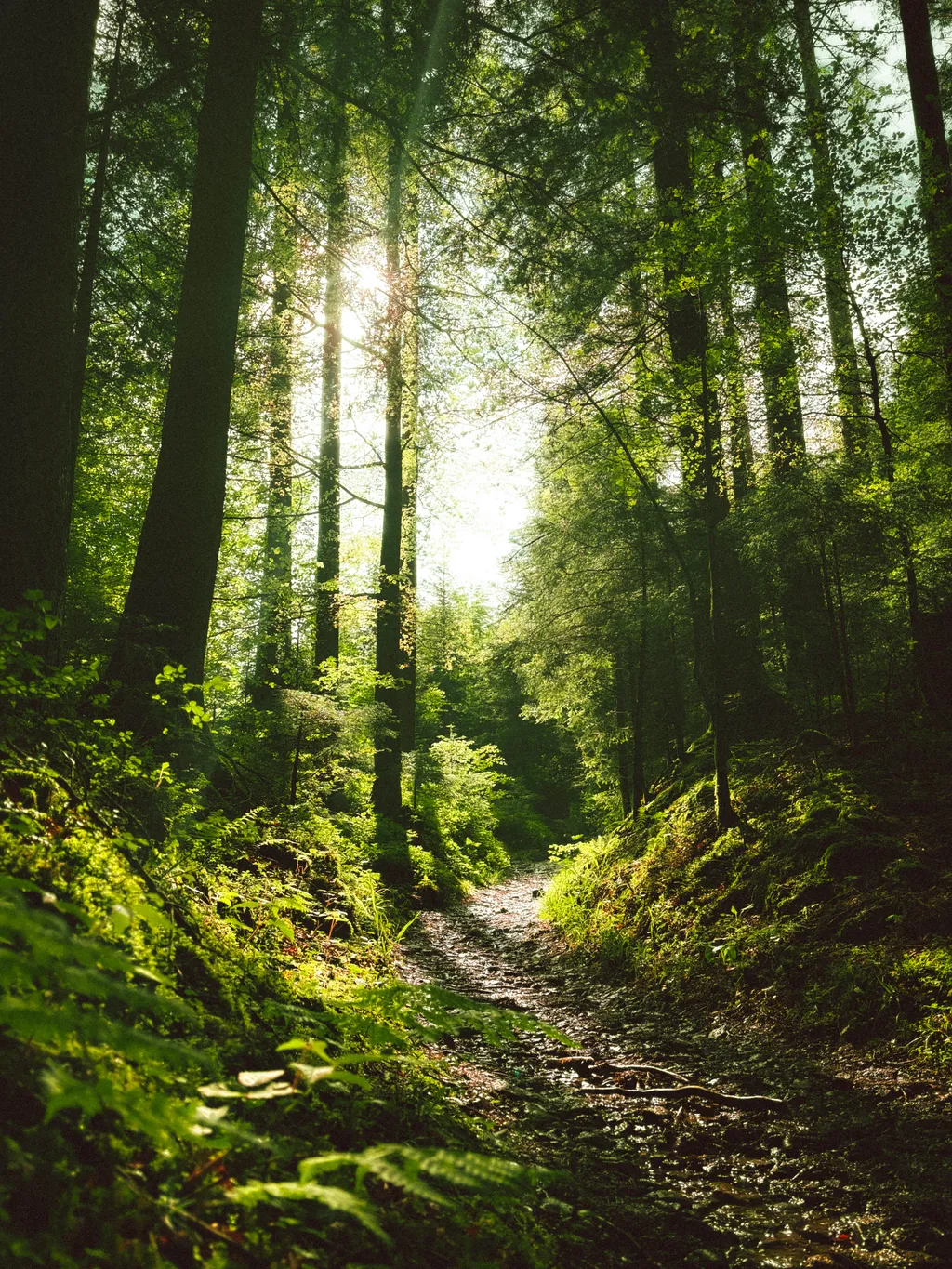
Your first few goals are simple: notice light, pick a frame, and make the photo feel intentional.
Use What You Have
Your phone is enough. Learn how it sees highlights, shadows, motion, and color before you worry about lenses.
Chase Light
Good light does a lot of the heavy lifting. Try windows, sunsets, neon, cloudy days, and harsh noon light just to see what happens.
Make It Intentional
Move your feet. Crop with your body. Ask what belongs in the frame and what can leave.
Before buying gear
Figure Out What You Like Shooting
Cameras get expensive fast, and specs can turn into soup if you do not know what you want yet. Spend a little time noticing your taste first. Portraits? Cars? Concerts? Campus at night? Random sidewalk details? That answer tells you more than a YouTube gear tier list.
When you are ready, the Buying Guide / Gear page can help. Until then, the better upgrade is usually practice.

Club member work
Phone, Camera, Whatever. Train Your Eye.
Photography is different from drawing a blank canvas into existence. Most of the time, the world is already doing something interesting. Your job is to notice it, choose a frame, and press the button at the right moment.
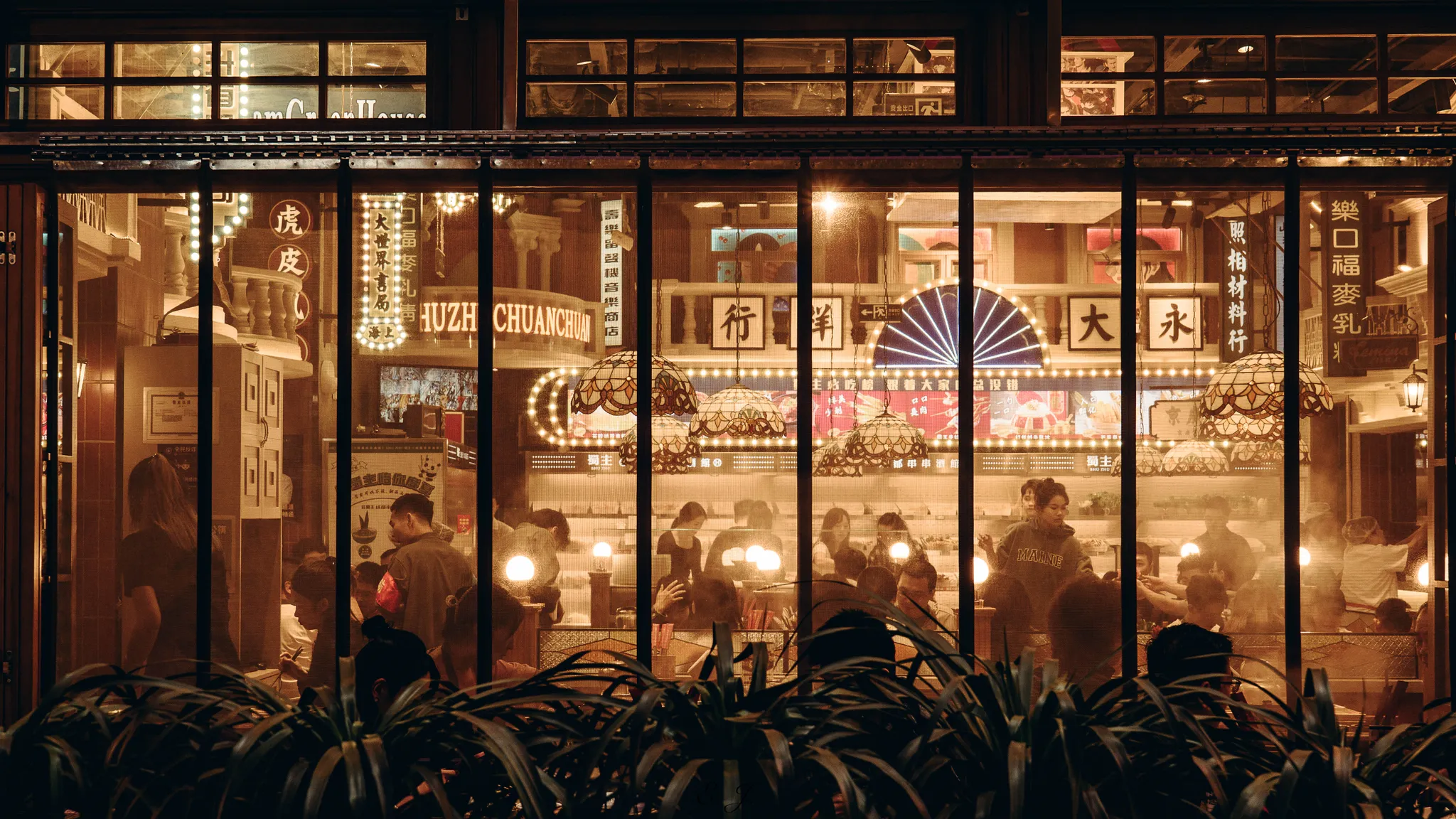

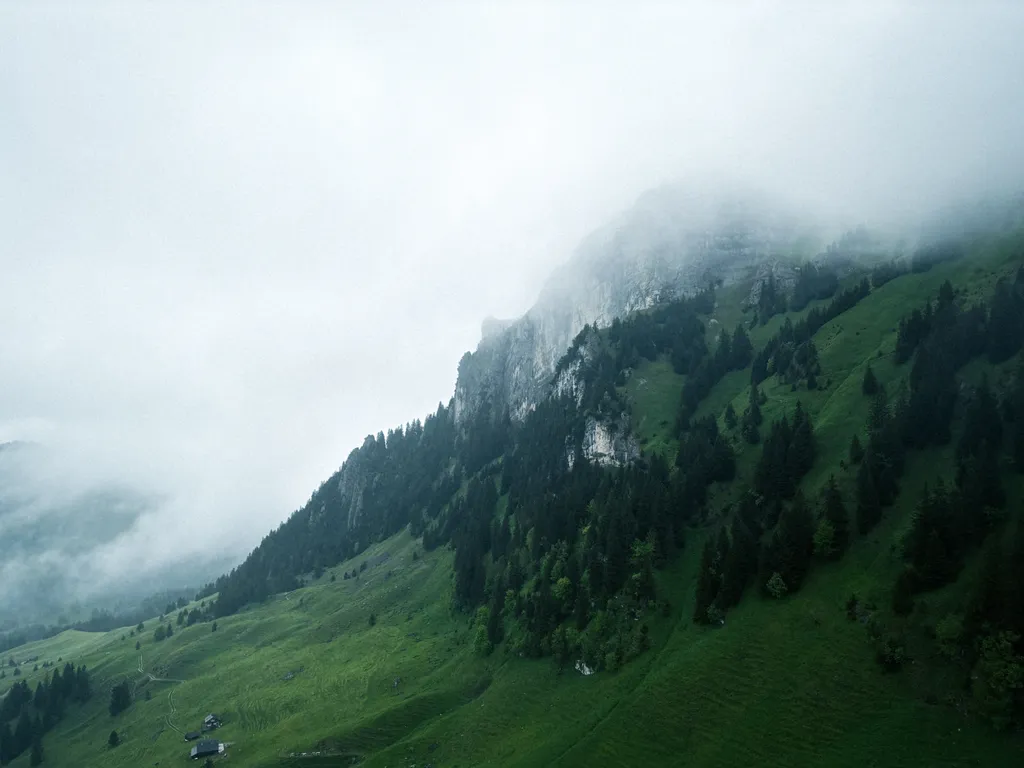
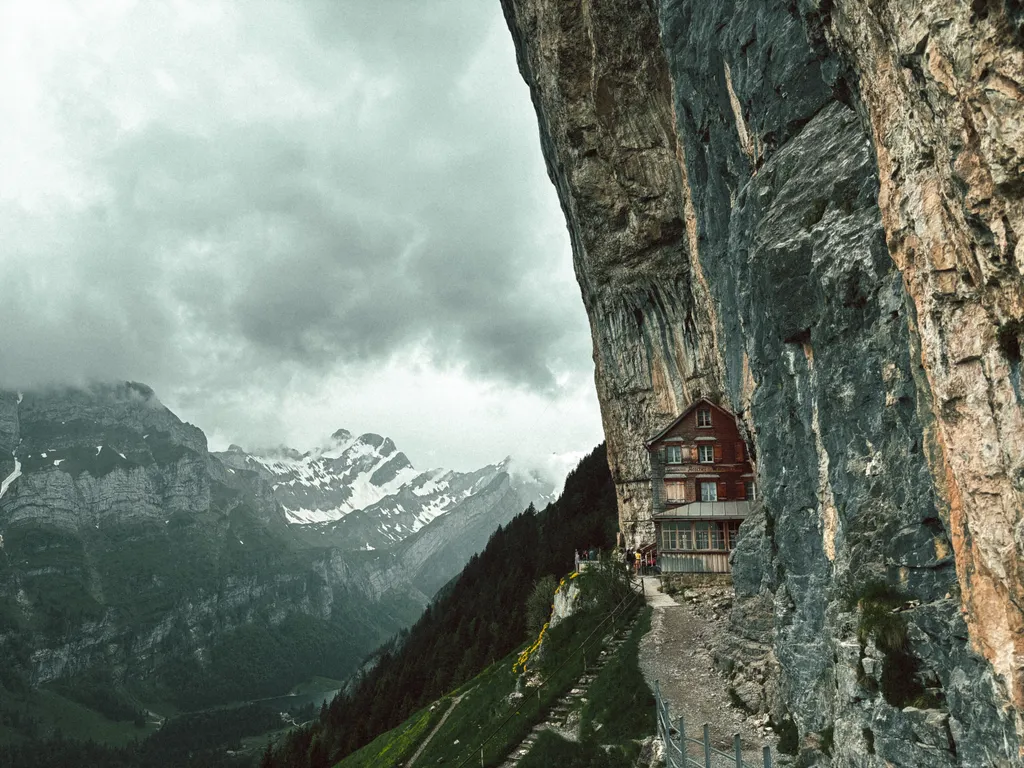
Photos by @Dylan Chu and @Linzzi Ji
Ready for the camera-settings part? Go to Basics next. That is where aperture, shutter speed, ISO, focus, and practice habits start making sense.
Special thanks to Dylan Chu for putting this content together.